Business intelligence for Dynamics NAV and Business Central on-premises
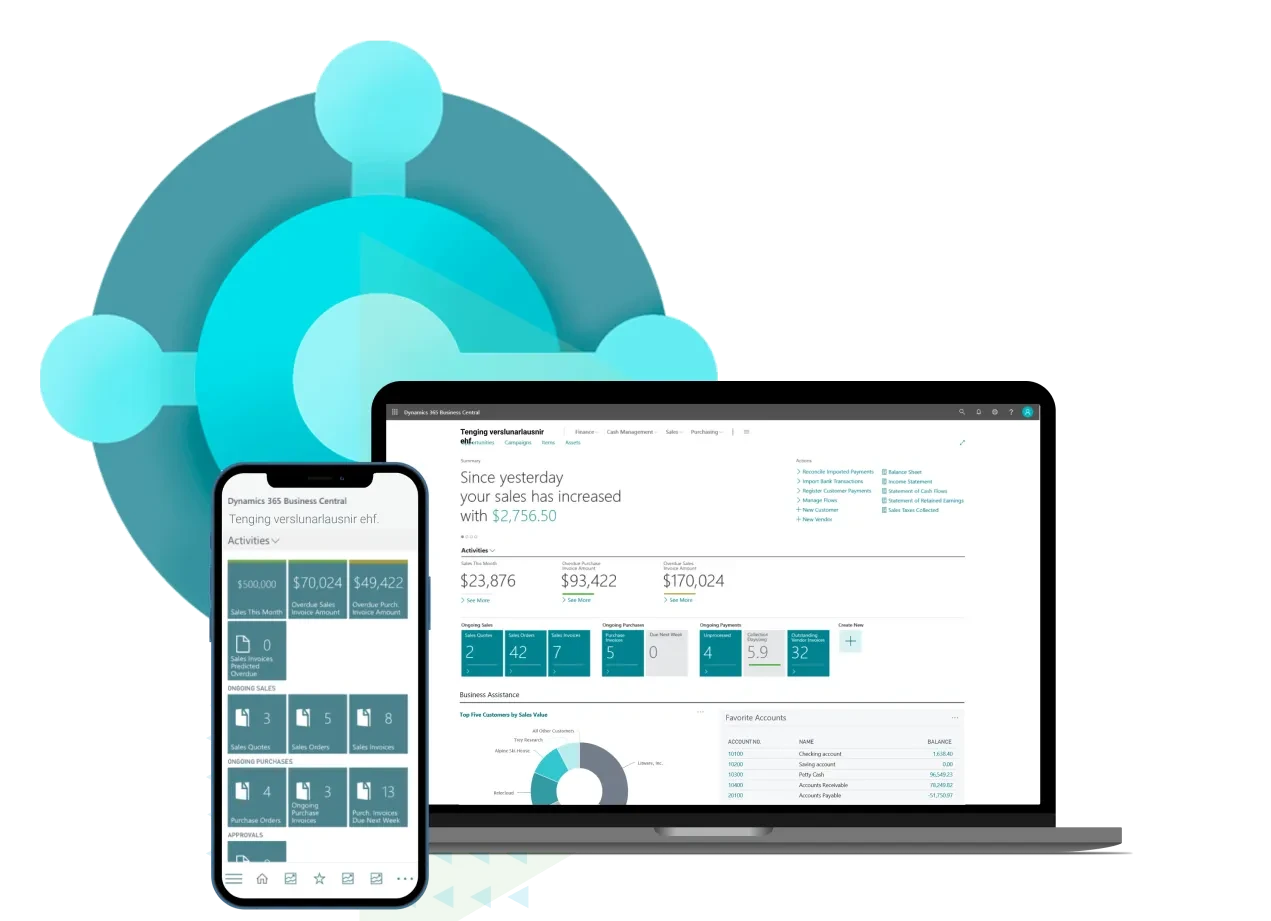
What is Microsoft Dynamics NAV?
Microsoft Dynamics NAV is Microsoft's ERP system for small and mid-sized businesses, installed on your own server or with a hosting partner. Its successor, Business Central, can also run on-premises, and both cover finance, sales, inventory, purchasing and manufacturing.
Many companies have built up years of data in NAV, but getting the right insights out of it is a challenge. Vellox turns it into ready-made analytics in our modules for sales, purchasing, inventory, production and finance – and through our AI-ready API you can ask questions of your NAV data directly.
How the integration with Vellox works
We have developed an agent-based solution that connects the Vellox Data Warehouse with your business system server/database in a simple and efficient way. Installation takes just a few minutes and then the integration can be started. When it comes to Dynamics NAV (version 2013-2018), the integration goes directly to the database, while in newer Business Central 14+, an API connection can also be used if it's advantageous. This is something we help with so that you as a customer don't have to handle technical questions.
Benefits of Vellox for Dynamics NAV
Easy to get started – whether it's integration directly to the database or via the API interface, we have a simple solution.
Development over time – We keep developing the integration and make sure it works with everything from NAV 2013 to the latest Business Central on-premises.
Security – The integration has read-only access and can never change data in NAV or Business Central.
Minimal impact on performance – We have optimized our extraction as far as possible to minimize any impact on the underlying system. Our starting point is that Vellox should never burden the system during operation, regardless of whether loads occur during the day.
With Vellox you get modern BI on top of your existing NAV system – without replacing your ERP. You save time, reduce the risk of errors and can focus on moving your business forward.
Moved to Business Central in the cloud? Then Vellox connects through our app and an API key – read about Vellox for Business Central online (SaaS).
Want more from your NAV data?
Contact us and we'll show you how Vellox works with your NAV.

About Microsoft Dynamics NAV
Microsoft Dynamics NAV – originally Navision – is Microsoft's classic ERP system for small and medium-sized businesses, installed on-premises or with a hosting partner. For many years NAV has been one of the most widely used ERP systems in the Nordics, covering finance, sales, purchasing, inventory and manufacturing.
In 2018, NAV was succeeded by the cloud-based Microsoft Dynamics 365 Business Central, but many companies still run NAV on-premises. With the Vellox integration you get modern BI on top of your existing NAV system – without having to replace your ERP.
- Vendor
- Microsoft
- Category
- ERP system
- Deployment
- On-premises
- Website
- microsoft.com


